
Claude Desktop on Microsoft Foundry: Third-Party Inference Mode, Entra ID Sign-In, and What Claude Design Cannot Do
Claude Desktop can run against Claude models in your own Microsoft Foundry resource, signed in with Microsoft Entra ID. It is a managed-configuration feature, not a settings toggle. Here is the step-by-step, verified against the shipping binary — plus the one Claude feature that cannot follow you to Foundry.
After getting Claude Code onto Foundry and then governing it with an APIM gateway, the obvious next question is the GUI: can Claude Desktop use my own Foundry deployment too?
Short answer: yes, through a documented third-party inference mode — and it can point at the same governed gateway. But it is an admin-deployed configuration, not something a developer switches on, and one popular Claude feature is explicitly excluded.
Verified on 13 Aug 2026 against Claude Desktop 1.25927.0 on Windows.
What “out of the box” actually gives you
Install it and the first run is unambiguous:
winget install --id Anthropic.Claude
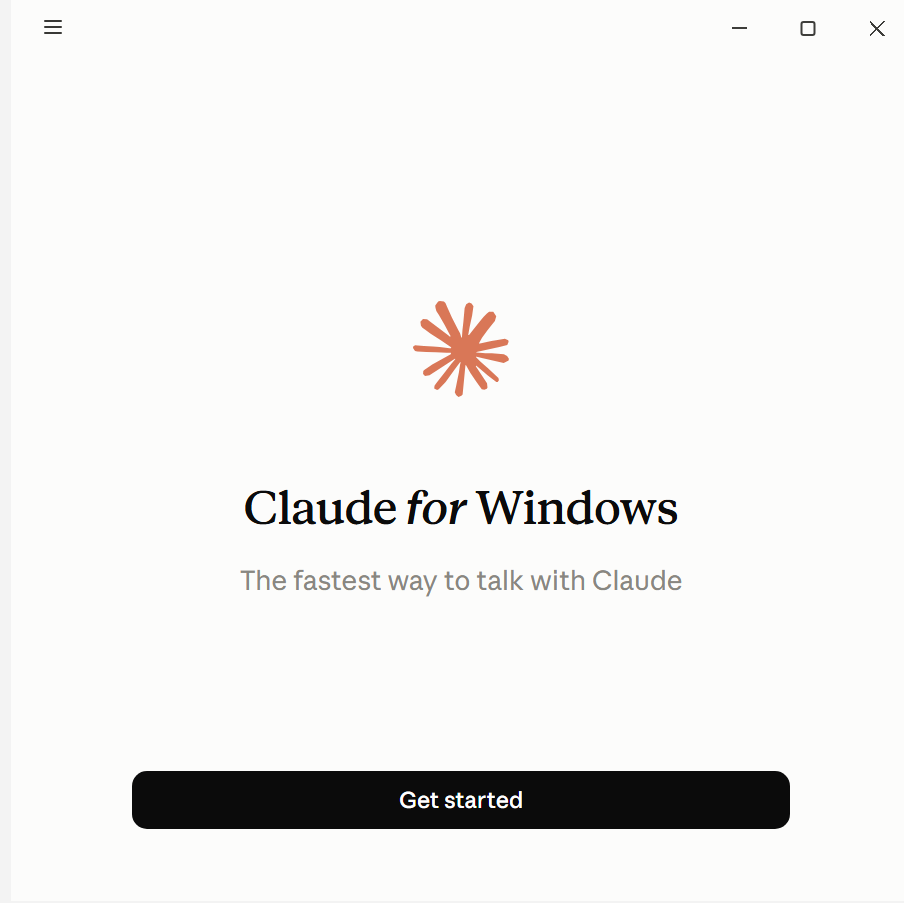
Sign-in offers Google or email — an Anthropic account. There is no “use my own endpoint” box, and no Azure sign-in:
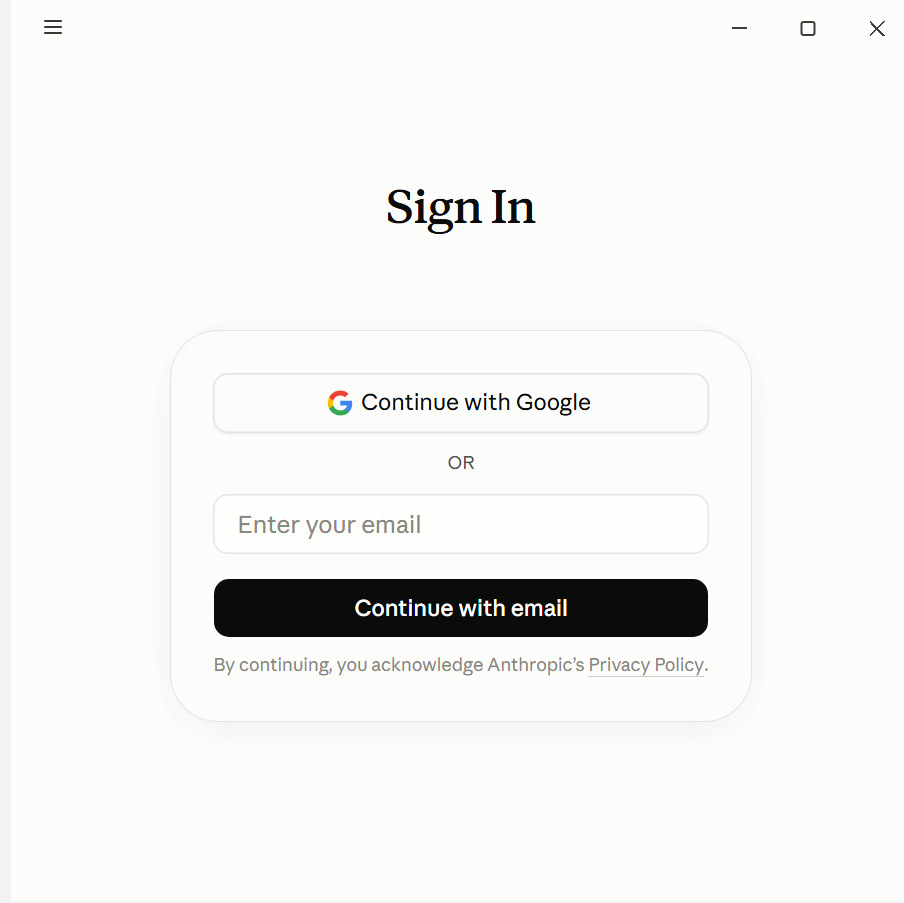
That is the default, and it is why people assume Desktop cannot do BYO-model. The capability exists — it is just not reachable from the UI on a stock install.
Step 1 — Confirm your build supports third-party mode
Third-party inference landed in Desktop 1.2581.0. Before configuring anything, check the shipping app actually carries the subsystem:
$asar = "$env:LOCALAPPDATA\AnthropicClaude\app-<version>\resources\app.asar"
$text = [System.Text.Encoding]::UTF8.GetString([IO.File]::ReadAllBytes($asar))
foreach ($k in @('inferenceProvider','inferenceFoundryResource','inferenceGatewayOidc')) {
    "{0,-28} {1}" -f $k, ([regex]::Matches($text, [regex]::Escape($k))).Count
}
On 1.25927.0 this returns matches for all of them. The provider enum is:
gateway | anthropic | bedrock | mantle | vertex | foundry
and the credential kinds are:
static | helper-script | interactive | vendor-profile | oauth | workforce
inferenceProvider is the master switch — the app’s own description is “Selects the inference
backend. Setting this key activates third-party mode.”
Step 2 — Register an Entra app for Desktop
Desktop signs the user in directly against Entra ID, so it needs its own app registration with delegated access to the Cognitive Services data plane.
$app = az ad app create --display-name "Claude Desktop (Foundry)" `
    --is-fallback-public-client true `
    --public-client-redirect-uris "http://localhost" "ms-appx-web://microsoft.aad.brokerplugin/<client-id>" `
    | ConvertFrom-Json

# delegated user_impersonation on Azure Cognitive Services
az ad app permission add --id $app.appId `
    --api https://cognitiveservices.azure.com `
    --api-permissions <user_impersonation-scope-id>=Scope

az ad app permission admin-consent --id $app.appId
Note the redirect URI shape: ms-appx-web://microsoft.aad.brokerplugin/<client-id> is what the
broker flow needs on Windows. Use broker if you have Conditional Access policies that require
a compliant or managed device — it routes through Web Account Manager rather than a browser, so
the device claim is satisfied.
The admin-consent step needs a Privileged Role Administrator. If you are not one, this is where you stop and open a ticket — it was where I stopped in my own tenant.
Step 3 — Push the configuration
This is the part that surprises people: 3P settings do not live in
claude_desktop_config.json. That file is for MCP servers and cosmetics. Inference
configuration is managed configuration, deployed the way an enterprise deploys policy.
| Platform | Managed location |
|---|---|
| Windows | HKLM\SOFTWARE\Policies\Claude (machine) or HKCU\SOFTWARE\Policies\Claude (user), values as REG_SZ |
| macOS | .mobileconfig via MDM, domain com.anthropic.claudefordesktop |
| Linux | /etc/claude-desktop/managed-settings.json |
The app keeps its own state separately under %LOCALAPPDATA%\Claude-3p\configLibrary\ — the
-3p suffix is literal, and its presence is a quick way to tell whether a machine has ever run
in third-party mode.
Pointing straight at Foundry
$k = "HKLM:\SOFTWARE\Policies\Claude"
New-Item -Path $k -Force | Out-Null

New-ItemProperty -Path $k -Name inferenceProvider        -Value "foundry"                    -PropertyType String -Force
New-ItemProperty -Path $k -Name inferenceFoundryResource -Value "<your-foundry-resource>"     -PropertyType String -Force
New-ItemProperty -Path $k -Name inferenceFoundryTenantId -Value "<tenant-id>"                 -PropertyType String -Force
New-ItemProperty -Path $k -Name inferenceFoundryClientId -Value "<app-registration-client-id>" -PropertyType String -Force
New-ItemProperty -Path $k -Name inferenceFoundryAuthFlow -Value "broker"                      -PropertyType String -Force
New-ItemProperty -Path $k -Name inferenceModels `
    -Value '[{"name":"claude-sonnet-5"},{"name":"claude-opus-5"}]' -PropertyType String -Force
inferenceFoundryResource is the bare resource name — the app builds
<resource>.services.ai.azure.com from it, exactly like Claude Code’s
ANTHROPIC_FOUNDRY_RESOURCE.
inferenceFoundryAuthFlow accepts device-code (default), browser or broker.
Or point at your governed gateway
If you already run the APIM governance gateway, Desktop can go through it and inherit the same per-developer budgets, tiering and chargeback:
inferenceProvider          = gateway
inferenceGatewayBaseUrl    = https://<your-apim>.azure-api.net/claude
inferenceCredentialKind    = oauth
inferenceGatewayOidcAuthFlow = broker
inferenceGatewayOidc       = {"clientId":"<app-id>",
                              "issuer":"https://login.microsoftonline.com/<tenant>/v2.0",
                              "bearerTokenType":"access_token",
                              "scopes":"https://cognitiveservices.azure.com/.default"}
inferenceGatewayAuthScheme defaults to bearer, which is what the gateway’s
validate-azure-ad-token policy expects. This is the option I would pick for a team: one
enforcement point for both Claude Code and Claude Desktop.
If you cannot use registry policy
inferenceCredentialHelper points at an executable that prints a bearer token to stdout — the
same pattern as the token helper in the Claude Code setup:
New-ItemProperty -Path $k -Name inferenceCredentialHelper `
    -Value "C:\ProgramData\claude\get-foundry-token.cmd" -PropertyType String -Force
The app sets CLAUDE_HELPER_CONTEXT so the helper can tell an interactive start from a
mid-session refresh. That makes Key Vault, Windows Hello or az account get-access-token all
viable sources.
Step 4 — Verify
Once policy is applied and the app restarts, its diagnostics report:
Effective mode:          3P
inferenceProvider set:   yes
Provider:                foundry
If it still says 1P, the policy was not read. On a corporate-managed device that is the most
likely failure — see below.
The thing that will stop you on a managed laptop
On my own machine, both policy hives were locked by device management:
HKLM\SOFTWARE\Policies\Claude : Requested registry access is not allowed.
HKCU\SOFTWARE\Policies\Claude : Access to the registry key is denied.
That is not a bug — it is the point. SOFTWARE\Policies is reserved for administratively
deployed policy, and a managed device refuses hand-editing of it. Third-party mode is designed
to be pushed by Intune or Group Policy, not enabled by a developer.
Practically: package the keys as an Intune configuration profile (or a .mobileconfig on macOS)
and target the same Entra group you use to entitle Claude Code. Entitlement and configuration
then travel together.
Claude Design: the honest answer
Claude Design — Anthropic’s visual design surface, launched April 2026 — cannot be pointed at Foundry. It is explicitly excluded from third-party mode: Chat, Cowork and Code are supported in 3P, and features that depend on Anthropic-hosted inference are not.
That is a product boundary, not a configuration gap. Its design-system ingestion, rendering pipeline and Figma/Adobe integrations are Anthropic-side services, so there is nothing to re-point. If you need design generation on your own deployment, you call the Claude models in Foundry programmatically and build the surface yourself.
Worth knowing before someone promises it in a rollout plan.
What runs where, once you are done
| Surface | Runs on your Foundry deployment? | Notes |
|---|---|---|
| Claude Code CLI | ✅ | CLAUDE_CODE_USE_FOUNDRY=1 |
| Claude Code VS Code extension | ✅ | same settings file |
| Claude Desktop — Chat | ✅ | 3P mode, admin-deployed |
| Claude Desktop — Cowork / Code | ✅ | 3P mode |
| Claude Desktop — Design | ❌ | Anthropic-hosted only |
| claude.ai web | ❌ | Anthropic-hosted |
The pattern underneath all three posts
Anthropic has converged on one idea across the product line: the model backend is a deployment decision, not a product decision. Claude Code exposes it as environment variables, Desktop exposes it as managed configuration, and both accept a gateway in the middle.
For a platform team that means you can put a single governed endpoint in front of everything, and choose per surface whether it points at Foundry directly or through your gateway. The developer experience does not change either way — which is exactly what you want from governance.
- 💻 Governance accelerator: https://github.com/naveenneog/claude-code-foundry-gateway
- 📘 Claude Code on Foundry: step-by-step
- 📗 Governing it with APIM: per-developer budgets and chargeback