cordless v0.5: A Desktop App, a >_< Logo, and QR-First Security
cordless grows up: a hardened Electron desktop app for Windows/macOS/Linux, a >_< brand logo generated with gpt-image-2, and a security course-correction that keeps QR pairing as the one true way in — with a loopback-only desktop shortcut that a Tailscale IP can never use.
TL;DR — cordless manages many remote terminal / coding‑agent (Claude Code, Codex) sessions like browser tabs, with sessions that survive disconnects. v0.5 adds a hardened Electron desktop app (Windows
.exe, macOS.dmg, Linux.AppImage/.deb), a proper>_<brand logo made with gpt‑image‑2, and a security course‑correction: QR pairing stays the only default way in, and the desktop’s one‑click “Connect to this computer” uses a loopback‑only credential that a Tailscale or LAN address is rejected for. As always — designed with GPT‑5.6 Sol, driven with GitHub Copilot CLI.
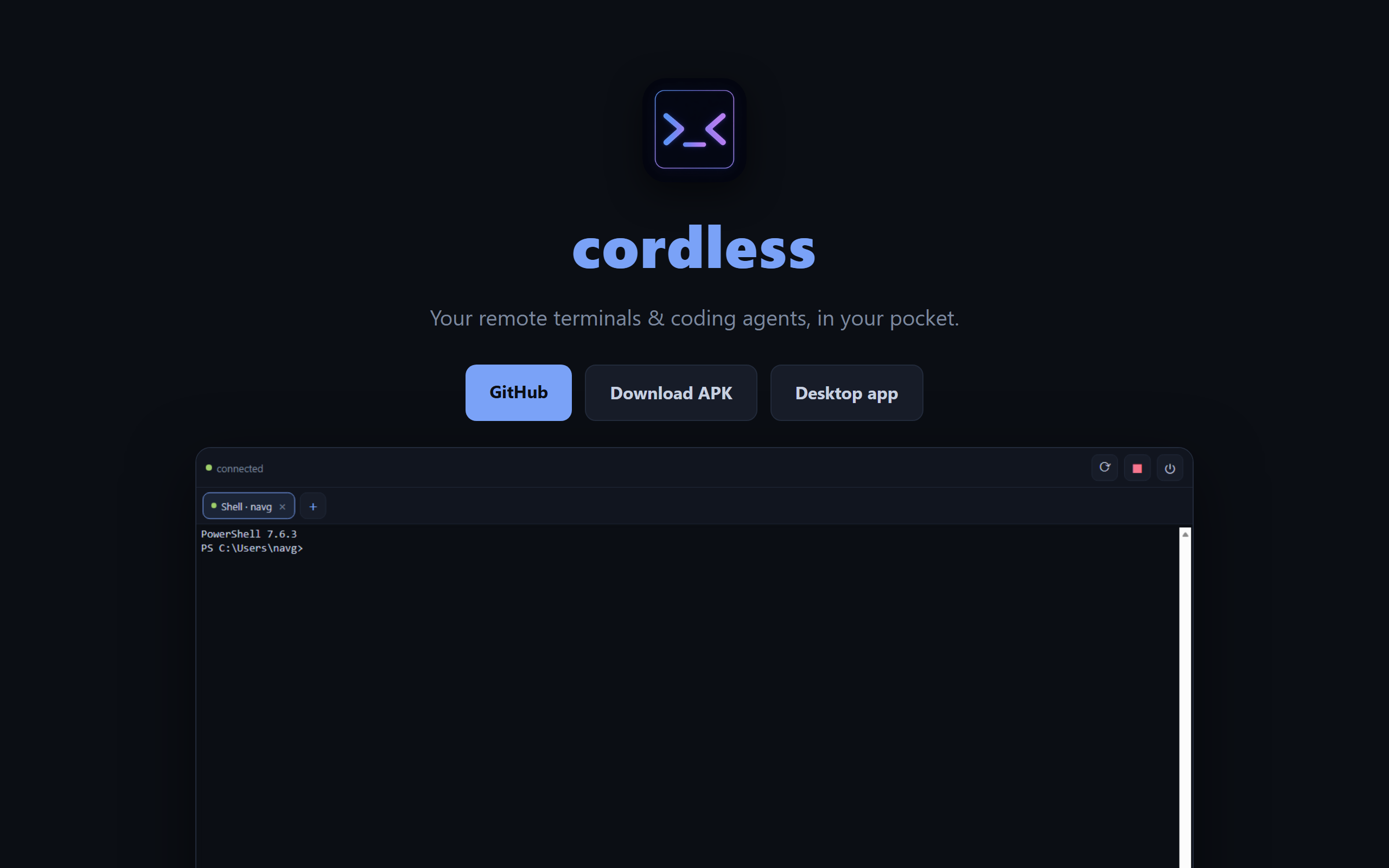
I shipped cordless, then made it livable in v0.4 — seamless resume, an in‑app QR scanner, no more truncation. v0.5 is about the two things a “real” tool needs that a phone app alone can’t give you: a proper desktop experience, and an identity. And it’s where a security instinct paid off.
A face for the project: the >_< logo
cordless needed a mark. I generated one with gpt‑image‑2 on my Azure AI Foundry deployment — a small Python script (tooling/gen_logo.py) that POSTs a prompt and writes back the base64 PNG. After iterating on a few concepts, the winner was almost too obvious: >_< — a shell prompt >_ that doubles as a happy little face — set in a blue→violet gradient inside a terminal‑window frame.
One gotcha worth remembering: gpt‑image‑2 won’t render a transparent background (you get an HTTP 400 if you ask). So I generated the mark on a dark background and luminance‑keyed it transparent with Pillow (tooling/apply_logo.py) — the same script then resizes it into every size the project needs: PWA icons (icon‑192/512, a maskable variant, apple‑touch, favicons), the landing‑page hero, and the full set of Android launcher / adaptive‑icon / splash assets.
A subtle bug fell out of this: the repo’s .gitignore had a blanket *.png rule (to keep Playwright screenshots out), and it was silently swallowing the new app icons. The APK and PWA would have shipped with missing icons. Two lines fixed it — !client/public/*.png, !desktop/build/*.png — a good reminder to always check git status after adding binary assets.
The desktop app — a hardened Electron shell
The headline feature. When you’re at your dev box (or remoted into it), a phone is the wrong tool — you want a real window with a real keyboard. So v0.5 ships a desktop app for Windows, macOS, and Linux.
I designed the architecture in my running conversation with Sol, and we landed on the pragmatic choice: the Electron window loads the daemon’s own served page at http://127.0.0.1:<port>. Because it’s same‑origin to the daemon, there are zero CORS/CSP changes — it’s the exact same UI, sessions, tabs, and replay you already have, just in a window.
The interesting part is the security hardening, straight from Sol’s review:
contextIsolation: true,nodeIntegration: false,sandbox: true,webSecurity: true.- Navigation is pinned to the trusted loopback origin —
will-navigateandsetWindowOpenHandlerreject anything else; all new windows,<webview>s, and permission requests (camera, mic, geolocation…) are denied. - The renderer gets a tiny preload bridge and nothing else:
{ platform, getLocalCredential, startDaemon, retry }. Nofs, no shell, noopenExternal. - Every IPC call validates that the sender is one of our own trusted pages.
startDaemonaccepts no path, command, or argument from the page — it resolves the installed CLI itself. - If the daemon isn’t running, the app shows a Start daemon / Retry screen instead of a blank window.
- The port is resolved with a strict precedence — the credential’s
server, then the daemon config, then7443— and every candidate is validated to be loopbackhttp(nohttps, no userinfo, no path, nolocalhostname ambiguity).
That last bit of parsing is security‑critical, so I pulled it into a pure module (desktop/lib/resolve.js) and wrote 24 unit tests for it. It runs in CI on every push.
QR‑first security — the course‑correction that mattered
Here’s the moment I’m most glad about. While wiring the desktop app, I built a convenient “auto‑connect on localhost” path. It worked. It was also wrong — it quietly bypassed pairing. The rule for cordless is: QR / pairing‑code is the one true way in.
So I tore the auto‑connect out and rebuilt it as an explicit, opt‑in button. The daemon now writes a desktop-credential.json (mode 0600; it stores only the token’s hash) tied to a device with scope: "loopback". The authenticate() path accepts that token only when the socket peer is 127.0.0.1 / ::1 — checked against the real socket address, never a spoofable header. A Tailscale 100.x or LAN address is rejected outright. In the UI, the 🖥️ Connect to this computer button only appears when the Electron bridge actually hands over a credential; open the same page in a plain browser and you see QR/code only.
I verified it with a test that asserts exactly this: loopback IPs authenticate, and 100.64.x.x (Tailscale’s range) does not. It’s a local convenience that is structurally incapable of being a remote bypass.
ok    ip=127.0.0.1        authed=true   (expected true)
ok    ip=::1              authed=true   (expected true)
ok    ip=203.0.113.5      authed=false  (expected false)
ok    ip=100.64.1.2       authed=false  (expected false)   ← Tailscale, still rejected
=== LOOPBACK-SCOPE ENFORCEMENT PASS ===
Prerequisites & Tailscale, documented properly
A fair complaint about the earlier docs: the prerequisites and Tailscale setup weren’t written down clearly. Fixed. The README and landing page now spell out, with Sol’s help:
- Prerequisites — Node.js 22, the platform build tools
node-ptyneeds, Tailscale, and (on Windows) PowerShell 7, with download links. - Tailscale setup —
tailscale up/status/ip -4, an optional device tag, a copy‑pasteable tailnet ACL that locks TCP7443to your own identity, and a Windows Firewall rule that only opens7443on the Tailscale adapter (100.64.0.0/10). - Resume your sessions —
cordless installonce, then open the desktop app orhttp://localhost:7443; your tabs reattach, and after a reboot the daemon reopens them from its restore manifest.
How it was built
Same loop as the whole project: me on GitHub Copilot CLI, Sol as the design partner and reviewer — and this time I kept the conversation stateful, so Sol remembered every prior decision instead of re‑litigating them. The desktop architecture, the Electron hardening checklist, and the loopback‑credential rules all came out of that back‑and‑forth. CI does the heavy lifting: pushing a v* tag builds the Android APK and the three desktop installers on native GitHub runners and attaches them to the release. And npm test is now a self‑contained harness that boots an isolated daemon and runs every suite — protocol E2E, security headers, the new desktop‑credential + loopback‑scope checks, and session‑restore across a daemon restart. Seven suites, green.
The good
v0.5 is the version where cordless stopped feeling like a phone experiment and started feeling like a product: it has a name and a face, it runs as a real desktop app, and — the part I care about most — the convenience features were built without weakening the security model. The one‑click local connect is genuinely handy, and it cannot be turned into a remote hole. That’s the bar.
Try it
- ▶️ Live / install the PWA: naveenneog.github.io/cordless
- 🖥️ Desktop app (Win/macOS/Linux): github.com/naveenneog/cordless/releases/latest
- 📦 Android APK: github.com/naveenneog/cordless/releases/latest
- 💻 Source: github.com/naveenneog/cordless
Part of the #AI4Good series. Built one day at a time. — @naveenneog