cordless v0.4: Seamless Resume, an In-App QR Scanner, No More Truncation — and a Proper Install Guide
cordless v0.4 makes the remote-terminal phone app actually livable: your sessions reopen when you turn your machine on, the Android app has a built-in QR scanner, and long lines finally wrap instead of getting chopped off. Plus a clear, copy-pasteable install guide — dependencies and all.
TL;DR — cordless is a phone app that manages many remote terminal / coding-agent (Claude Code, Codex) sessions like browser tabs. v0.4 adds the three things that were stopping it from being a daily driver: seamless resume (sessions reopen when you turn your dev box on), a built-in QR scanner in the Android app, and a mobile fix so long output wraps instead of truncating — plus font zoom and a copyable session-details sheet. This post is also a proper install guide: dependencies and all.
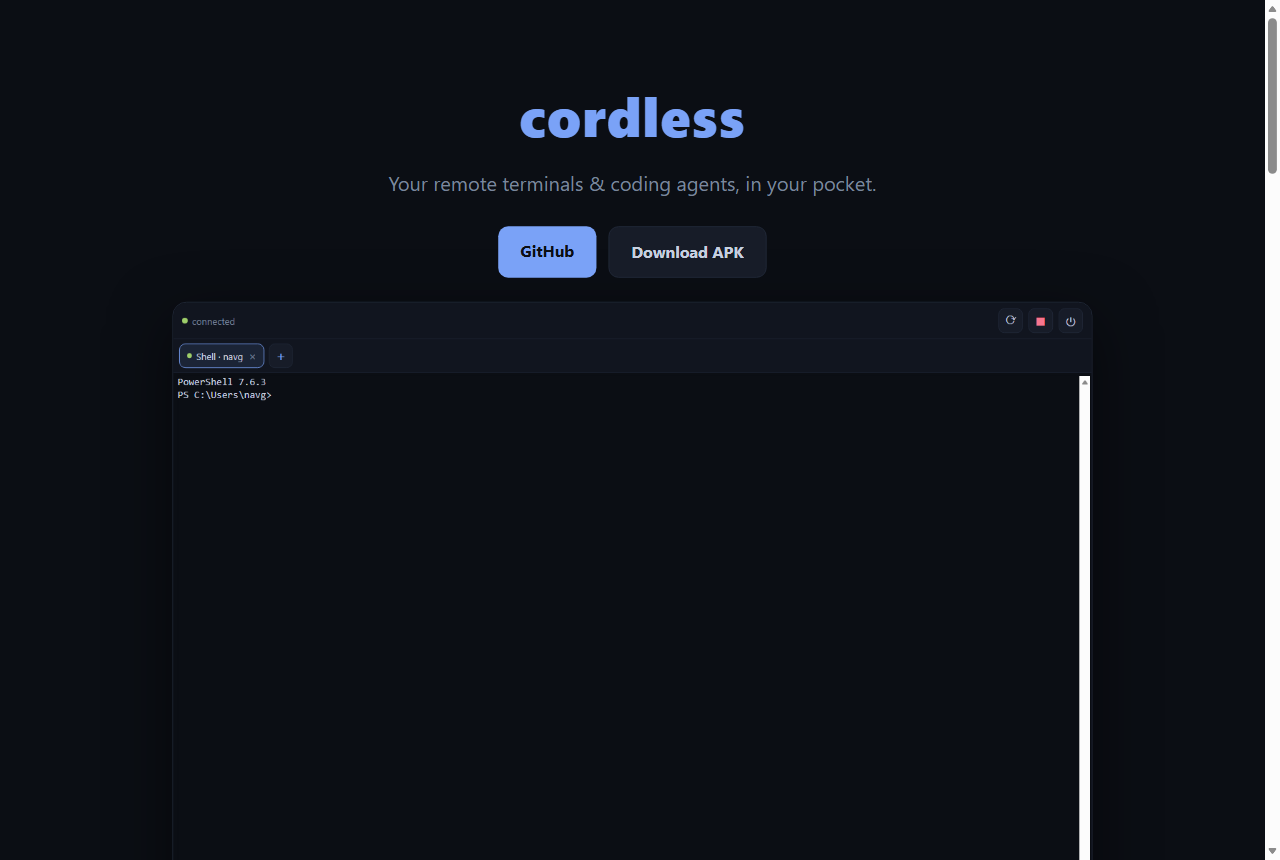
A couple of days ago I shipped cordless — a Node daemon on my dev box that owns real PTY sessions, plus a phone app that attaches to them like tabs, with sessions that survive disconnects and replay on reconnect. Then I actually used it for two days and hit three rough edges. v0.4 fixes all three. As with the whole build, I designed each fix in a running conversation with GPT‑5.6 Sol and drove the work with GitHub Copilot CLI.
What’s new in v0.4
1. Seamless resume — your tabs come back
The daemon’s PTYs die when the machine reboots (they’re real OS processes). So “open my laptop and my agents are still there” needs two things: the daemon must auto-start, and it must reopen what was running.
cordless installregisters the daemon to start hidden at login — Windows Task Scheduler,systemd --user, or a macOS LaunchAgent, whichever you’re on. There’s a single-instance PID lock, andcordless stop/statusto manage it.- On start, the daemon reads a small manifest of the sessions that were running and relaunches them — fresh shells in the same directories, keeping the same session ids so your phone’s tabs re-match. Each restored session gets a new generation id, which the client uses to cleanly reset its replay state (a subtle but important detail Sol flagged: without it, an old client sequence number can be larger than the restored session’s, and replay breaks).
It’s “reopen your tabs,” not “resume the process” — shell state and running child processes are gone — but combined with the app’s auto-reconnect, turning your machine on brings your workspace back.
2. An in-app QR scanner (Android)
Pairing prints a QR. In the browser PWA you scan it with the phone camera and it just opens. But the packaged Android app is a different origin, so a system-camera scan wouldn’t open it. The fix is the obvious one: scan from inside the app.
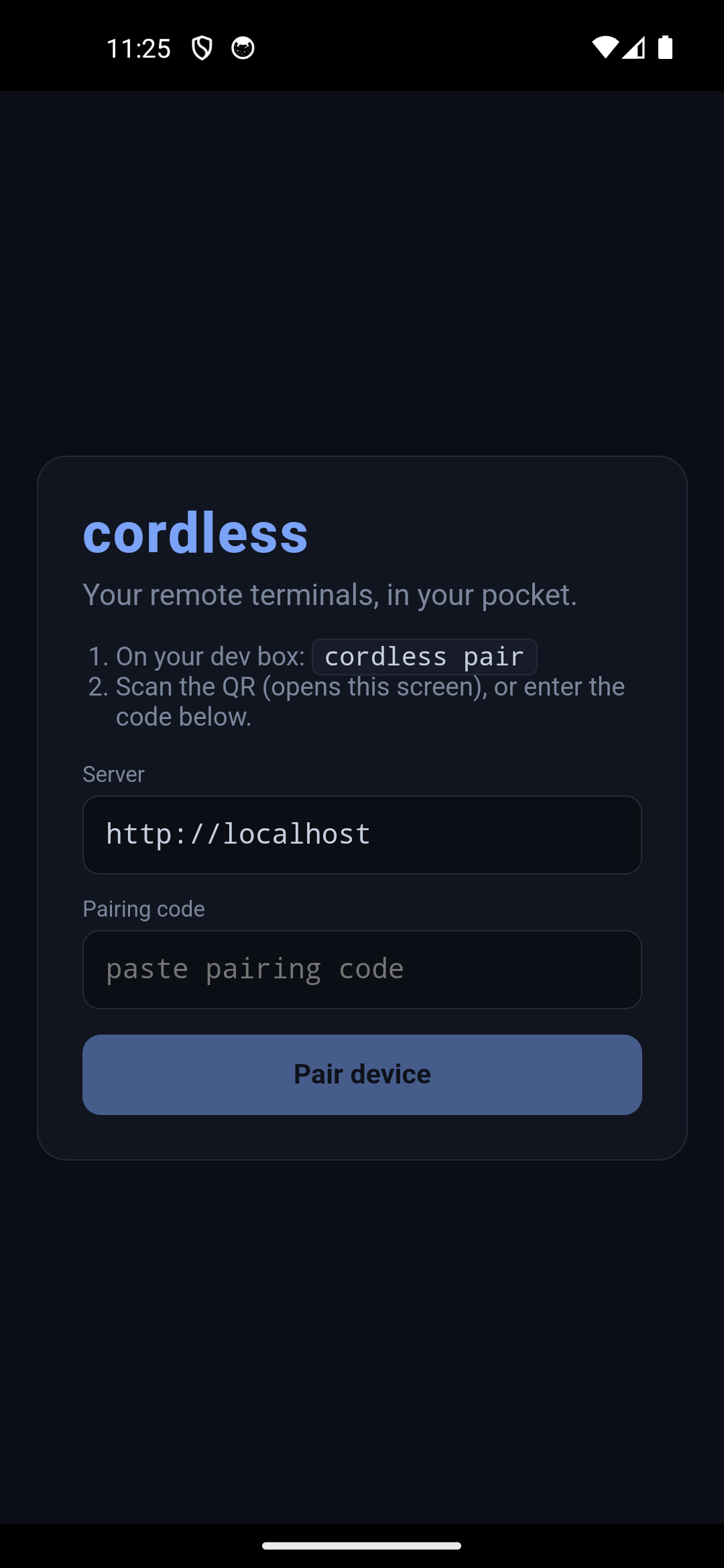
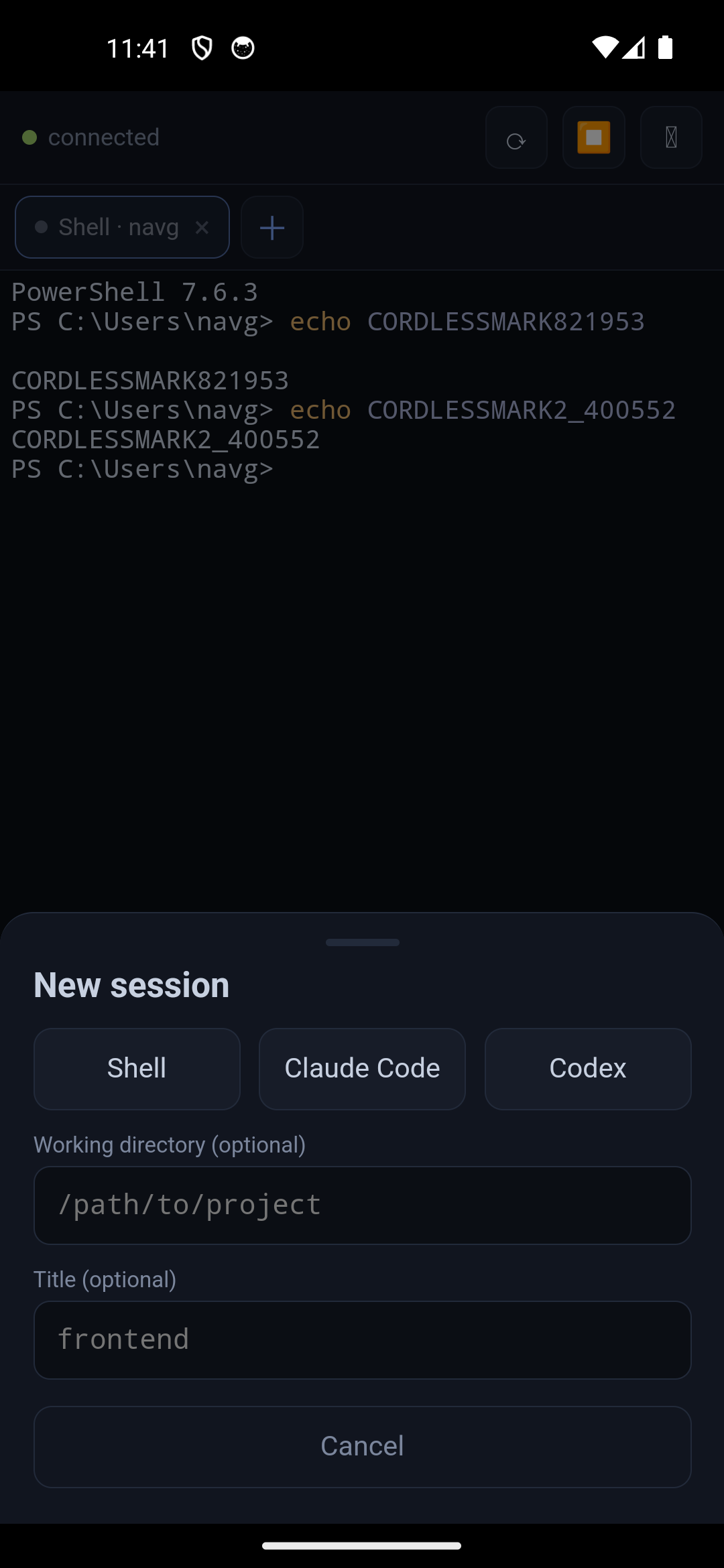
Tap Scan QR, point at the code, confirm the host, done. It’s built on @capacitor/barcode-scanner (MLKit, bundled — no Play Services model download), with a strict URL parser that rejects anything that isn’t a cordless pairing link. There’s also a cordless:// deep link registered, so a cordless://pair?... link opens the app directly. (One gotcha: the scanner library needs minSdkVersion 26, so the app now targets Android 8.0+.)
3. Long text no longer gets truncated
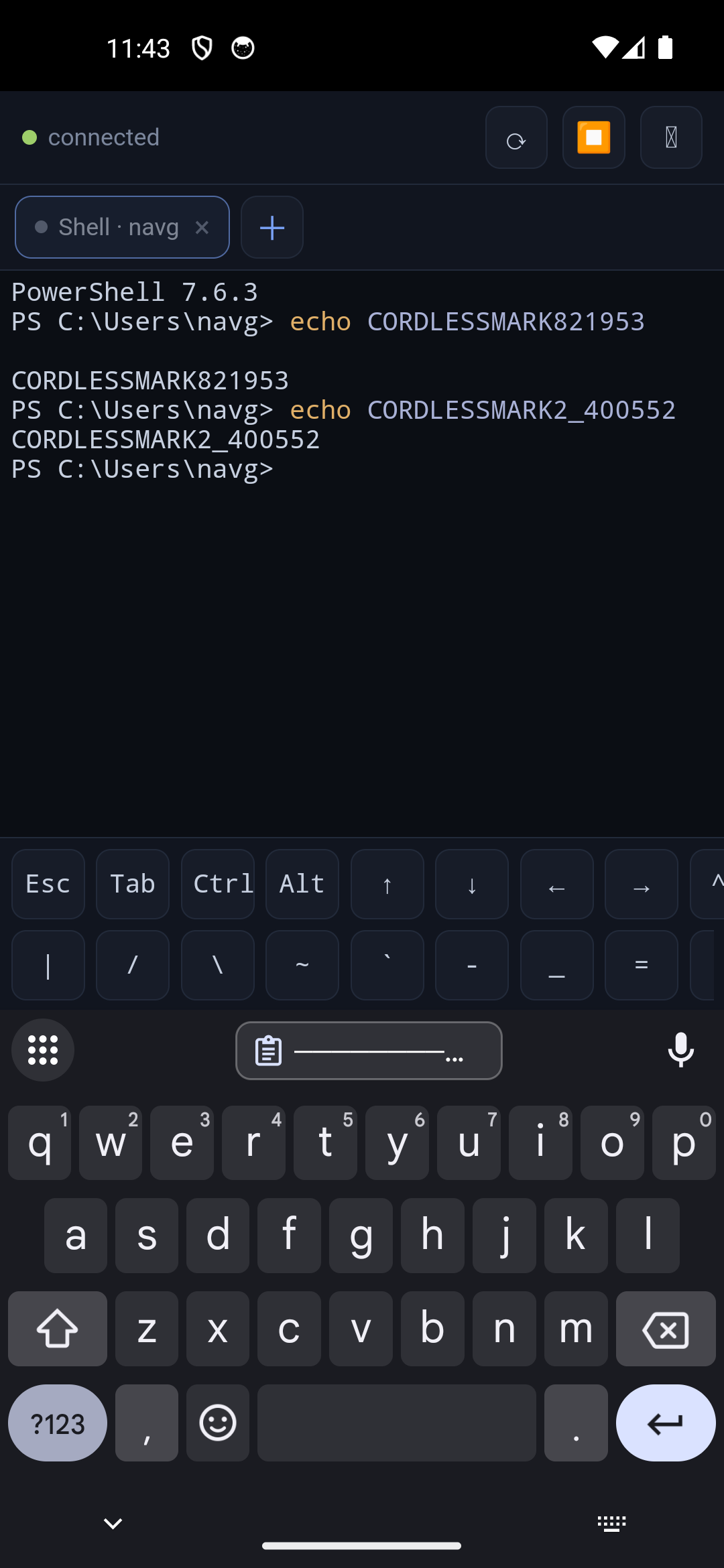
This was the most annoying one: on a narrow phone, long lines ran off the right edge with no way to read them. The root cause was a classic flexbox trap — a flex/grid child defaults to min-width: auto, so it refuses to shrink below its content’s intrinsic width, and the terminal got clipped. The fix:
min-width: 0on the terminal’s flex ancestors (the fix for the clip), plus a per-active-paneResizeObserverthat re-fits xterm whenever the pane changes size (rotation, keyboard show/hide). Now the terminal always matches the visible width and soft-wraps — no horizontal scrolling, which (per Sol) is the right call for a column-based terminal.- Font zoom —
A−/A+in the top bar, remembered per device. - A session details sheet (tap ⓘ) showing the full title, working dir, host, state, and session id, each tap-to-copy — because tab titles have to be short.
Dependencies
Nothing exotic. On the dev box (the machine your sessions run on):
- Node.js ≥ 20 (LTS) and git. Windows, macOS, or Linux.
- The daemon builds one native module,
node-pty— it ships prebuilds, but if yours has to compile you’ll want the platform build tools (VS Build Tools on Windows;build-essential+ Python on Linux; Xcode Command Line Tools on macOS).
On your phone: just a browser (for the PWA) or Android 8.0+ (for the APK).
For remote access (optional): Tailscale on both devices.
Only if you want to build the APK yourself: Node ≥ 22, JDK 21, and the Android SDK (platform 34+, build-tools 34+). Most people just download the prebuilt APK from Releases.
The npm dependencies npm run setup pulls: daemon — node-pty, ws, zod, @xterm/headless, @xterm/addon-serialize, qrcode-terminal; app — @xterm/xterm (+ fit), react/vite, and @capacitor/* (core, app, barcode-scanner).
Install, properly
1 · On your dev box / laptop
git clone https://github.com/naveenneog/cordless
cd cordless
npm run setup      # installs the agent + client dependencies
npm run build      # builds the web app the daemon serves
npm start          # starts the daemon on :7443

# optional — run it automatically at every login (seamless resume):
node agent/src/index.js install
2 · Pair your phone
# in another terminal:
npm run pair       # prints a QR + a pairing code
- PWA: scan the QR in your phone’s browser (or open the printed URL) — it pairs automatically; then Add to Home Screen.
- Android APK: download cordless-vX.Y.Z.apk, install it, open the app, tap Scan QR (or type the server URL + code).
3 · From anywhere
Install Tailscale on both devices and lock port 7443 to your own devices with a tailnet ACL. Then cordless pair prints a stable *.ts.net URL. Never expose 7443 to the public internet.
Manage it any time: cordless status · cordless stop · cordless devices · cordless uninstall.
The good
Two days of real use turned “neat demo” into “thing I actually reach for.” Seamless resume means my machine rebooting overnight is a non-event — the tabs are back in the morning. The scanner removed the one annoying step in onboarding a new phone. And the wrap fix means git status, ls -la, and a chatty claude session are finally readable on a 6-inch screen. Small fixes, big difference — and every one of them came out of the builder-plus-reviewer loop (me on Copilot CLI, Sol reviewing) that’s been the theme of this whole project.
Try it
- ▶️ Live / install the PWA: naveenneog.github.io/cordless
- 📦 Android APK: github.com/naveenneog/cordless/releases/latest
- 💻 Source: github.com/naveenneog/cordless
Part of the #AI4Good series. Built one day at a time. — @naveenneog