
ActionCut: A Free, CapCut-Class Video Editor for Android
Day one of #AI4Good: ActionCut — a blazing-fast, CapCut-inspired Android video editor with a multi-track timeline, real LUT filters, GPU effects, audio mixing, and one-tap platform export presets. Free, open, no watermark.
Part of the #AI4Good series — one app a day, each free and built for good. This is where it started.
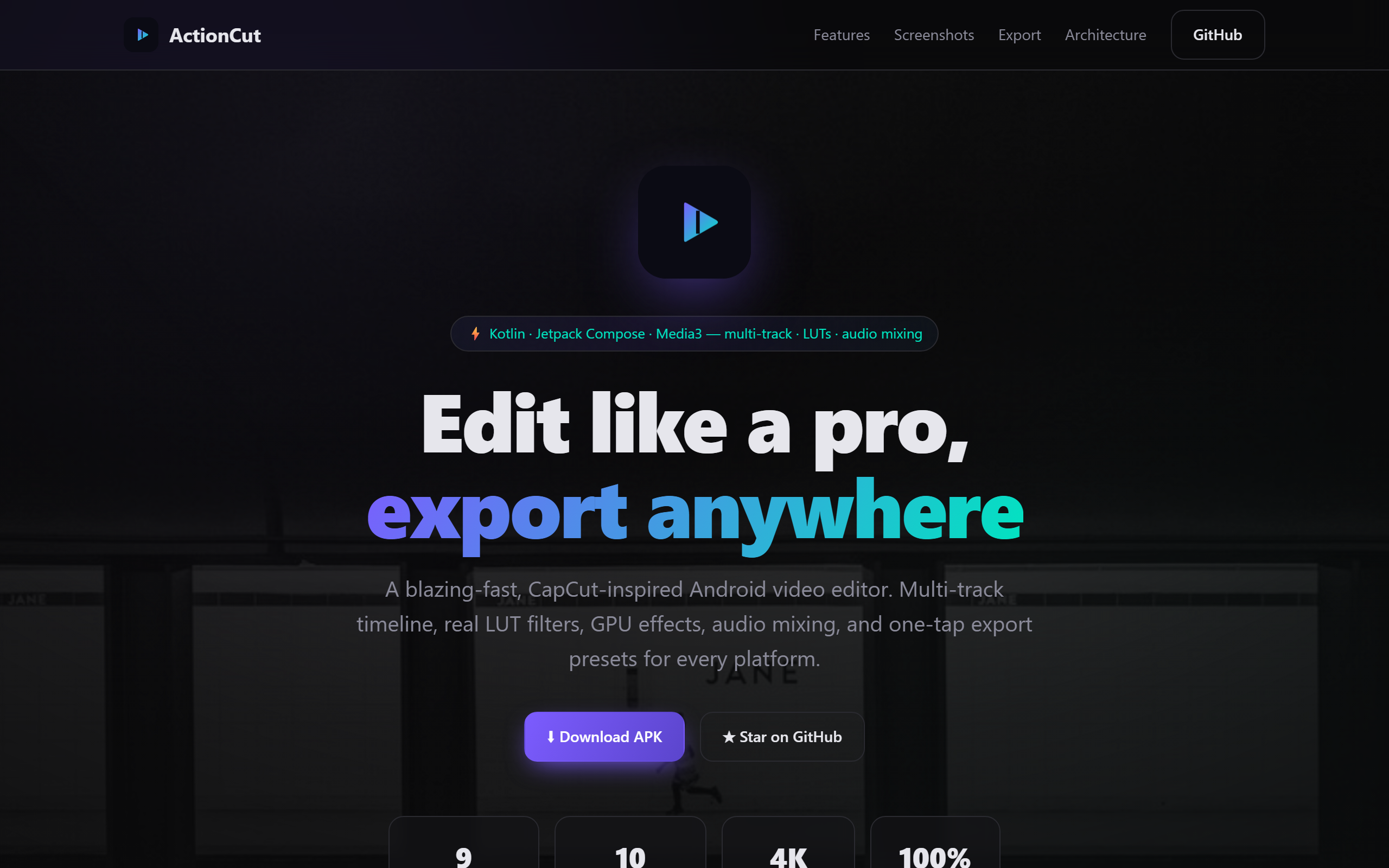
An early build had to prove a thesis: that a solo developer, with AI in the loop, could ship something people normally pay a subscription for — and give it away. So I picked the hardest, most-paywalled category I could think of: the mobile video editor.
What it is
ActionCut is a blazing-fast, CapCut-class Android video editor — not a toy, a real one. Everything on the live site is shipping today:
- Multi-track timeline — a fixed center playhead with the content scrolling beneath it for low-latency scrubbing; video / audio / text / overlay lanes, tap-to-select, drag-to-trim, split, ripple delete, zoom, and 50-step undo/redo.
- Real LUT filters — nine procedurally-generated 3D colour LUTs (teal & orange, noir, vintage, vivid…) rendered on the GPU at export.
- Audio mixing — add music, mute or strip a clip’s original audio, per-clip volume, and waveforms drawn right on the timeline.
- Background export — a WorkManager-driven Media3 Transformer pipeline renders up to 4K with live progress, then shares straight to any app.
- Text & transitions — animated captions, fades, slides, and zooms between clips.
- Dark-first design — a Material 3 system with haptics, smooth motion, and an electric-violet/mint palette.
How it was built
This is the part I care about. ActionCut is a ~21 MB debug APK on Android SDK 35 / JDK 17, and it’s deliberately architected like a product, not a demo:
- Clean Architecture + MVVM, split into pure-JVM and Android modules. The editing brain —
TimelineEditor(split / trim / ripple-delete / move / speed / reverse) — is a pure, unit-tested Kotlin engine with no Android dependencies, so the trickiest logic is fully testable. - Stack: Kotlin · Jetpack Compose · Material 3 · Hilt (DI) · Room (project persistence) · AndroidX Media3 (ExoPlayer + Transformer) · WorkManager · Coil · kotlinx.serialization.
- Module map:
core/{common,model,domain,designsystem,data,media}+feature/{media,editor,export}— the domain layer defines repository ports, and the Android layers implement them.
The most instructive decision was about FFmpeg. The original brief wanted it — but the ffmpeg-kit artifacts were retired from Maven Central mid-build. Rather than vendor a fragile binary, ActionCut defines a pluggable VideoExporter port: the default adapter uses Media3 Transformer (present on-device and hardware-accelerated), while an FFmpegCommandBuilder still produces the exact FFmpeg argument list and FFmpegVideoEngine is a drop-in adapter — flip one Hilt binding to switch to a self-hosted FFmpeg build. Bonus features (auto-captions, stickers, templates, cloud sync) are scaffolded behind interfaces too; the caption port is Azure DefaultAzureCredential-pluggable.
The good
Editing is how people tell stories now — and the best tools have quietly slid behind subscriptions and watermarks. A student in Bengaluru on a ₹10,000 phone shouldn’t be locked out of clean, multi-track editing. ActionCut is free, open, and watermark-free. Storytelling shouldn’t require a credit card.
Try it
- ▶️ Live site: naveenneog.github.io/ActionCut
- 📦 Download the APK: latest release
- 💻 Source: github.com/naveenneog/ActionCut
Built in a day with GitHub Copilot CLI autopilot. Previous → PrimeBeats · Next → KidKat. #AI4Good